
Business communications, made easier
Better conversations.
Made simple.
BablyBox brings business calling, customer conversations, contact center tools, and team collaboration together in one platform. Use it on its own, or keep Microsoft Teams at the center of your workday.
One platform. However your team works.
The BablyBox platform
Everything you need to keep the conversation moving.
Business calling
Desk phones, computers, and mobile phones.
- Business numbers & extensions
- Call routing & schedules
- Voicemail & recording
- Desk phone & softphone support
Customer conversations
Calls and messages on the same customer.
- Business SMS & MMS
- Shared customer history
- Contacts & conversation context
- Team follow-up
Contact center
Who is free, and which calls are waiting.
- Queues & ring strategies
- Agent availability
- Live call activity
- Reporting & analytics
Team collaboration
BablyBox chat, or Microsoft Teams.
- Native team chat
- Presence & availability
- Microsoft Teams integration
- Shared customer context
BablyBox for Microsoft Teams
Your business phone.
Right inside Teams.
Business calls in the Teams apps on desktop, web, iPhone, and Android.
Use the familiar Microsoft Teams calling experience for your business calls.
Access voicemail, SMS conversations, contacts, queues, and other BablyBox tools from a connected workspace inside Teams.
Move between the office and mobile without changing how your team works.
Microsoft Teams and Teams Phone licensing may be required. See Microsoft Teams calling.
BablyBox keeps the details together. Teams handles the call.
Conceptual product experience. Final appearance may vary by device and Microsoft Teams version.
Desk phones
Desk phones,
made simple.
Choose proven hardware for every desk. We’ll configure it, ship it, and help your team get comfortable from the first call. Yealink, Poly, and Cisco desk phones.
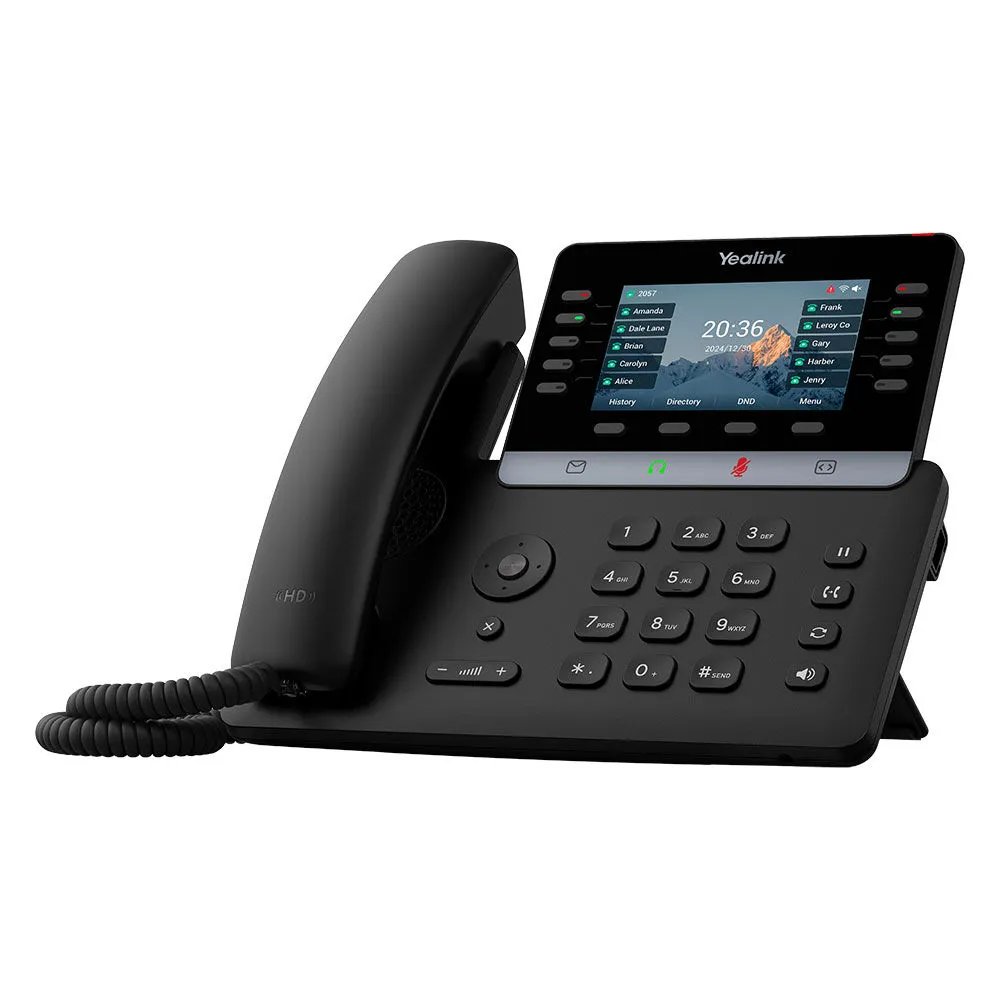
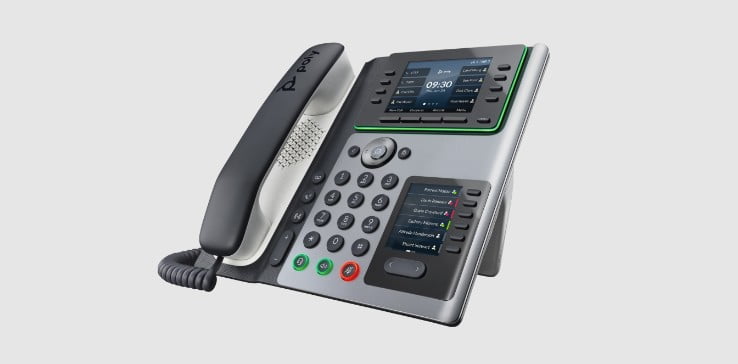
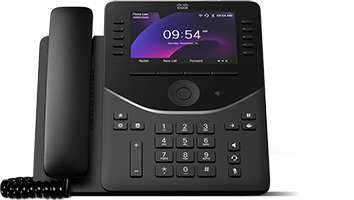
Let’s make sure they’re a match.
We’ll check compatibility and get your existing devices ready for BablyBox.
Your phone system. Your choice of workspace.
Use BablyBox. Use Teams. Use both.
BablyBox
Web, mobile, and desk phones. Numbers, routing, and voicemail live here.
Business phone systemMicrosoft Teams
People answer in the Teams apps they already use. Teams Phone licensing may be required.
Microsoft Teams callingBoth
Same numbers and call flows. A desk phone for some people, Teams for the rest.
Request a demoSwitching made manageable
You can change phone systems without turning the office upside down.
We learn how you work.
We go over your teams, numbers, schedules, call flows, and the tools your employees use today.
We build around your business.
Your BablyBox setup, including Microsoft 365 when you use it, is configured around the way your team works.
We stay with you through launch.
Your team gets the help it needs to feel comfortable from day one.

Let’s talk
Your communications should
work the way your team does.
Tell us how your business communicates today. We’ll show you how BablyBox can bring the pieces together.